
Appleton Records Search Guide
An Appleton Background Check is usually a mix of city police records, city public-record requests, sheriff records, and county court records. That mix is useful because it gives you different ways to reach the record depending on what you already know. If you know the police department handled the matter, start there. If the record is broader city information, use the public-record route. If the matter moved into county law enforcement or the court system, the sheriff and clerk of circuit courts become the better sources. Matching the office to the record type keeps the search focused and avoids unnecessary back-and-forth.
Appleton Police Records
The Appleton Police records page is the first stop for a city police-record request tied to an Appleton Background Check. The department is at 222 South Walnut Street, and the records page mentions records request services, a DPPA form for some records, and an online services portal. Those tools make the process more structured than a simple walk-in question, and they let the requester choose a format that fits the record being sought.
The police records page at appletonwi.gov/police/get_service.php is the best local source when you need a police report or another city police record. A Background Check often starts there because police records are the most direct city source for incidents, reports, and related documentation. If the record requires a DPPA form, the page gives you the right path instead of leaving you to guess which form belongs with the request.
See the Appleton Police records page at appletonwi.gov/police/get_service.php for the city’s records request services and online portal.
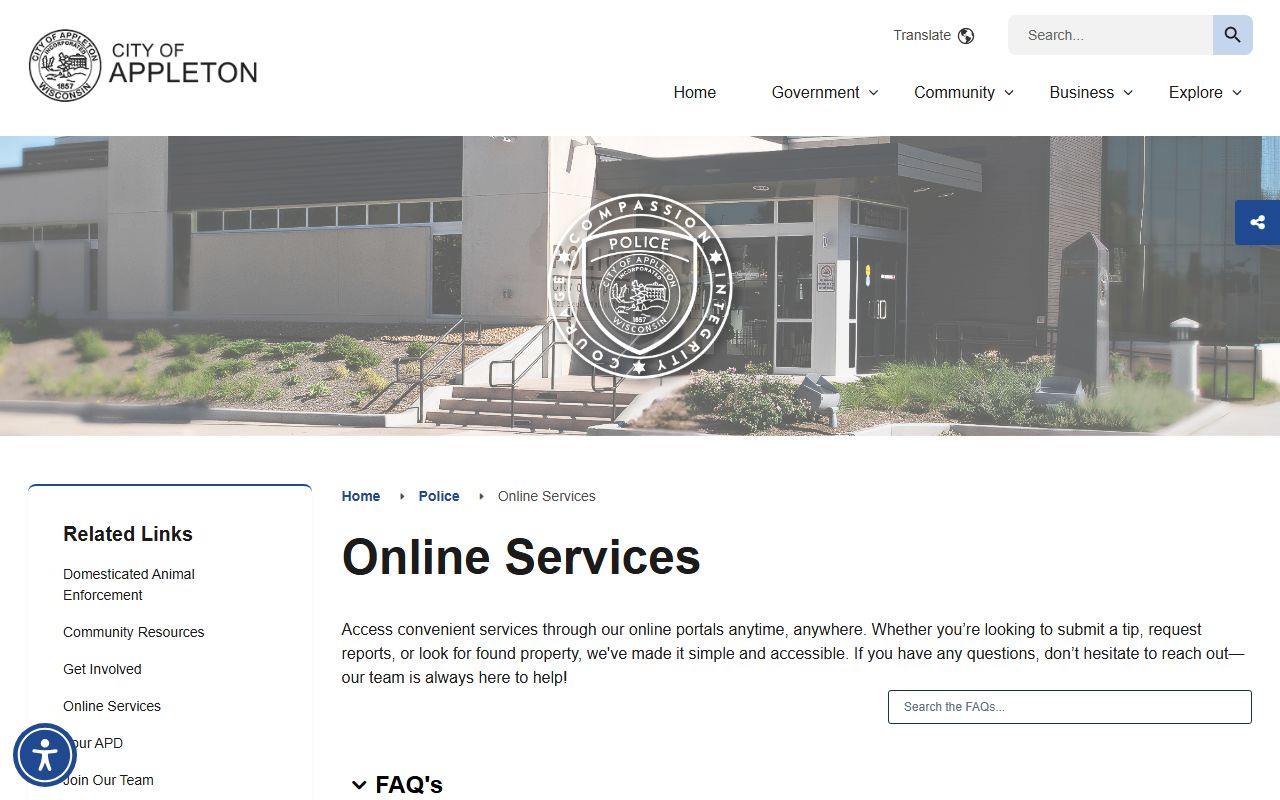
The police image belongs at the start of the search because Appleton police records are often the quickest city-level record source.
Appleton Public Records
Appleton’s public-records process is broader than the police department and can matter when a Background Check needs a city document rather than a police file. The city says requests are responded to as soon as practicable, and it offers inspection, physical copies, and electronic copies. City Hall is at 100 N Appleton Street, which is useful when the request needs to be directed to the municipal office rather than to the police department.
The city homepage at appletonwi.gov is the public starting point for those general city-records requests. Because the city offers inspection and both physical and electronic options, the requester has some flexibility in how the record is delivered. That can be especially helpful when an Appleton Background Check needs a city record that is not part of the police file or the court file.
See the Appleton city website at appletonwi.gov for the city’s general public-records information.
The practical benefit of that citywide route is that it keeps non-police municipal records in one place. If the question involves a city document, a public inspection, or a copy in a format you can use right away, the city’s general records process is the better fit than the police service page. For an Appleton Background Check, that is the step that keeps the search aligned with the municipal office that actually holds the record.
Outagamie County Records
Outagamie County Sheriff records are the county law-enforcement side of an Appleton Background Check. The sheriff’s office is at 3030 E. Goodland Dr., the phone number is (920) 832-5000, and the records unit is open Monday through Friday from 8 a.m. to 4 p.m. That gives the requester a clear county contact when the record sits outside the city police department.
The sheriff page at outagamie.gov/Our-County/Sheriffs-Office is the better source when the question is about sheriff records, not Appleton police records. If the incident or arrest moved into county handling, the sheriff office can be the record holder that makes the Background Check complete. That is why the county office belongs in the same search path as the city police and city public-record pages.
The Outagamie County Clerk of Circuit Courts is the final courthouse layer. The office is at 320 S. Walnut Street, and the phone number is (920) 832-5131. The clerk page at outagamie.org/government/departments-a-e/clerk-of-circuit-courts is the right place when the question turns into a filed case or a court copy. For a Background Check, that means you can move from the city record to the official case record without changing jurisdictions.
Appleton Background Check Process
The practical Appleton Background Check sequence is simple. Start with police records if you need a local incident report or a city police file. Use the city’s public-records route if the document is municipal but not police-specific. Go to the sheriff’s office if the matter belongs to the county. Finish with the clerk of circuit courts if you need the actual court file. That order works because each office controls a different part of the record trail.
The phrase “as soon as practicable” is also important because it tells you the city does not promise an exact same-day turnaround for every request. That is normal for public records, especially when the request needs a search, inspection setup, or a copy in a different format. For an Appleton Background Check, knowing that ahead of time helps you choose the right office and the right delivery method.
The records unit hours at the sheriff’s office give you another practical planning point. If you are reaching out during the workweek, the 8 a.m. to 4 p.m. schedule keeps the request predictable. If you already have a court case number or a police record number, that can shorten the search at the county or city level. The more precisely the request matches the office, the smoother the result tends to be.
The police department’s DPPA form and online services portal also matter because they make the request path more specific than a general records inquiry. If a record needs to move through the police department, those tools give you the format the department expects. From there, the sheriff’s office and clerk of circuit courts can finish the county side of the search if the matter moved beyond city records. That keeps an Appleton Background Check tied to the actual office that created or stores the record.
Appleton Background Check Links
The main links for an Appleton Background Check are the police records page at appletonwi.gov/police/get_service.php, the city homepage at appletonwi.gov, the Outagamie County Sheriff page at outagamie.gov/Our-County/Sheriffs-Office, and the Outagamie County Clerk of Circuit Courts page at outagamie.org/government/departments-a-e/clerk-of-circuit-courts. Those pages cover the main city and county record sources in one place.
If you only need the best first step, use the police page for city reports and the county sheriff page for county records. If you need a broader municipal record, use the city homepage. If you need the filed case, use the clerk of circuit courts. That is the cleanest way to keep an Appleton Background Check on track.