
Beloit Background Check Records
A Beloit Background Check usually moves through three city sources: police records, municipal court, and the city clerk. That structure is useful because the record you want may not sit in the first office you think of. A report, a photo, or video file belongs with the police records bureau. A citation or court matter belongs with municipal court. A city-level question may belong with the clerk. Once you sort the record by office, Beloit becomes much easier to search. The city gives you multiple entry points, which is helpful when you only have a name, a date, or a rough event description.
Beloit Background Check Records
The Beloit Police Records Bureau at https://www.beloitwi.gov/index.asp?SEC=8985F9FF-FEB2-488A-A5BD-6A8F58D0FD08 is the primary local source for police reports, photos, and video. The bureau is at 100 State St, and the main number is (608) 364-6801. The email is pdrecords@beloitwi.gov. That is a practical setup for a Beloit Background Check because the bureau can direct a request toward the exact file type you need instead of making you guess where it lives.
Lead-in and image source: the police records bureau page at https://www.beloitwi.gov/index.asp?SEC=8985F9FF-FEB2-488A-A5BD-6A8F58D0FD08 is the official Beloit source for this Background Check image.
That records bureau image fits the first step in a city search because police records often tell you whether the event was a report, a photo set, or a video file.
Beloit is one of those cities where a Background Check can change shape as soon as you start reading the record trail. A police incident may lead to a court case. A court case may lead you back to a report or a city clerk question. The city homepage at https://www.beloitwi.gov/ is useful here because it ties the city clerk contact and general city record context together. The city clerk is reachable at (608) 364-6684, and the city contact email is grangerm@beloitwi.gov. When a search is not clearly police or court based, that city contact point is a clean next step.
Beloit Background Check Requests
The police records bureau page says the department offers a portal for reports, photos, and video. That matters because a Beloit Background Check often needs more than a paper report. If the record includes media or a digital file, the bureau page is the right starting point. The bureau's email, phone line, and street address all give you ways to follow up when a request needs clarification or a file search. For a city record, that kind of direct contact is usually faster than trying to infer the right department from a summary.
Lead-in and image source: the municipal court page at https://www.beloitwi.gov/court is the official Beloit source for this Background Check image tied to court records.
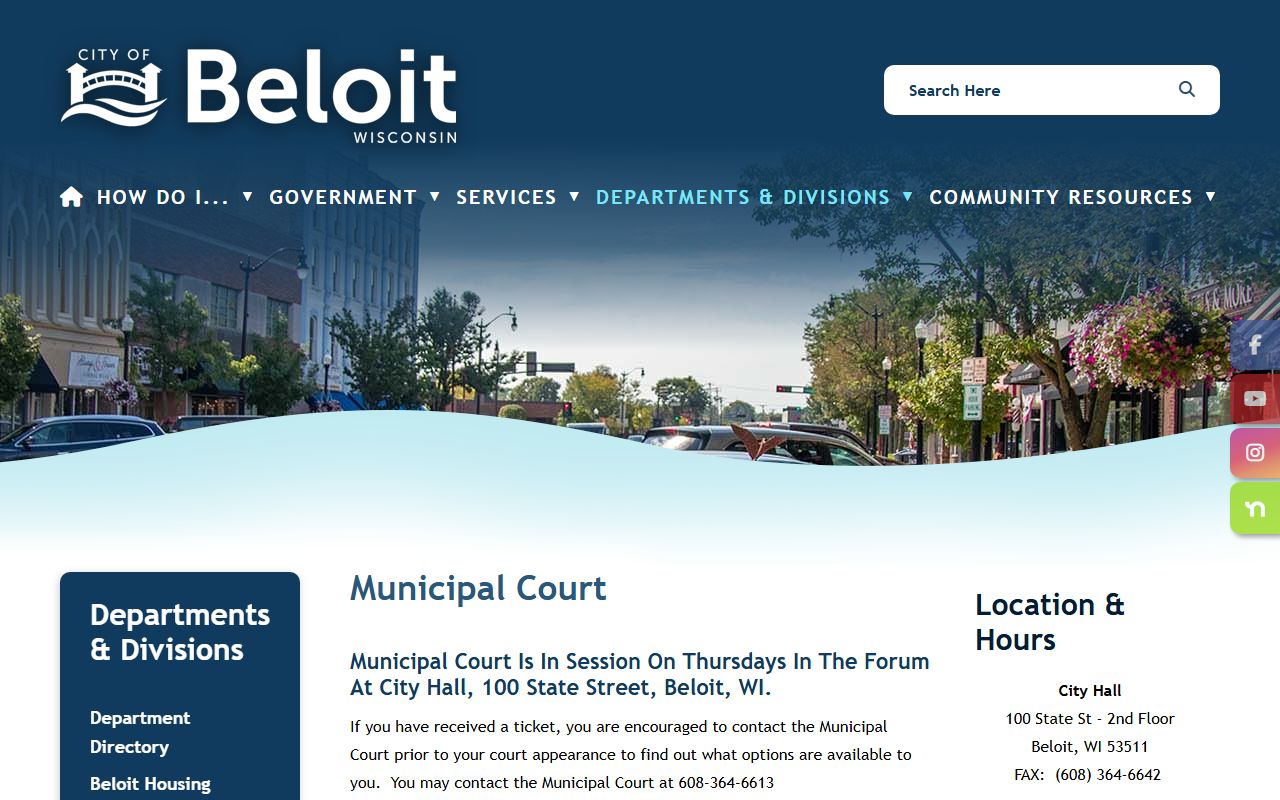
That image helps show where city citations and court dates live once a police matter becomes a municipal case.
The city court page is also the right place to remember that Beloit municipal court runs on its own schedule. The court phone is (608) 364-6613, the email is court@beloitwi.gov, and the court sits at City Hall, 100 State Street, with hearings on Thursdays. That is useful in a Background Check search because the court file can tell you whether the city matter was scheduled, heard, or still pending. It is the kind of detail that changes a search from a broad record hunt into a clear case check.
Beloit Background Check Court Records
A Beloit Background Check is not complete until you understand the court side of the record. Municipal court is where a city citation becomes part of the public case trail, and the city page makes that path easier to follow. If you already have a report number or a citation, the court office can help you connect it to the docket. If you only have a name, the court page still tells you where the city keeps the case flow. That is a better starting point than guessing which office owns the file.
The city homepage at https://www.beloitwi.gov/ is also relevant because it provides the broader city context around records and fees. That matters when a request moves from a simple lookup into a copy request or a city records question. The homepage is not the same as the police bureau page or the court page, but it helps anchor those offices in one city system. A Background Check search in Beloit is smoother when you keep those roles separate and then line them back up by record type.
Beloit Background Check and City Clerk
Lead-in and image source: the city homepage at https://www.beloitwi.gov/ is the official Beloit source for this Background Check image tied to the city clerk context.
That city clerk image matters because some Beloit record questions belong with city administration rather than police or court staff.
For a Background Check, the city clerk is the office that helps you keep the city-side record trail organized. If you need to confirm who should receive a request, where a city record belongs, or how the city wants a records question framed, the clerk contact on the homepage is the right place to look first. When a search is split between police records and court records, the clerk contact can help you avoid sending the request to the wrong office. That saves time and keeps the search precise.
Beloit works best when the offices are used in order. Police records handle the event file. Municipal court handles the city case. The city clerk helps with the broader city records path. When those pieces are read together, a Beloit Background Check becomes clear instead of scattered.