
Find Janesville Background Check Records
Janesville background check research often starts with a city portal but can quickly expand into county records if the item you need belongs to Rock County instead of the city. That is why the city public-records portal, the police portal, the sheriff office, and the clerk of courts all matter. Each office controls a different slice of the record trail. If you start with the right slice, the rest of the search is much easier to manage, and you avoid waiting on a redirect from the wrong desk.
Janesville Search Path
The city public records portal at cityofjanesville.nextrequest.com is the city entry point for non-police records under Wisconsin public records law. That makes it the right place to start if you need a city file that is not a police report. The portal is a routing tool as much as a request tool, because it shows you that Janesville separates public records requests by record type. A background check search is more effective when you treat that separation as part of the process rather than as a complication.
The police records portal at cityofjanesvillepd.nextrequest.com is the official path for Janesville Police records. The page lists 100 N Jackson St and the phone number as 608-755-3100. It also says estimated costs may require prepayment and that video requests can take longer. Those two details matter because they tell you to plan for both fees and time if your background check needs a police report or a copy of recorded footage.
The Rock County Sheriff page at co.rock.wi.us/departments/sheriff-s-office/ adds the county side of the search. The office is at 200 E US Highway 14 and the phone number is 608-757-8000. The sheriff office also has a public records portal, which makes it the right place to look when the event was handled at the county level instead of by the city police department. That distinction is important because Janesville background checks often involve both city and county records depending on where the incident occurred.
Janesville Records Offices
The Rock County Clerk of Courts page at co.rock.wi.us/departments/clerk-of-circuit-court is the courthouse-side source for the official file. It lists 51 South Main Street and the phone number 608-743-2200. If your background check needs the docket, the filing history, or a copy from the case file, this is the office that matters most. A public records portal can point you in the right direction, but the clerk office is where the court record lives.
Because the city and county portals are separate, the first task is deciding which agency actually created the document. A city administrative record belongs on the city portal. A Janesville Police report belongs on the police portal. A county incident report or sheriff-side item belongs with the sheriff office. A court file belongs with the clerk of courts. That may sound obvious, but it is the key to making a background check in Janesville efficient rather than frustrating.
The city and county portals also show why estimated costs and processing times matter. If a request might involve copying, scanning, or video review, the police portal warning about prepayment and longer timelines is the kind of detail that should shape the request before you send it. It is better to expect that up front than to treat a video request like a paper report. Janesville gives you the tools to route the request correctly if you pay attention to the record type from the beginning.
Janesville Image References
For the Janesville public-records portal image, see cityofjanesville.nextrequest.com. The portal is the city starting point for non-police records and general public-record routing.
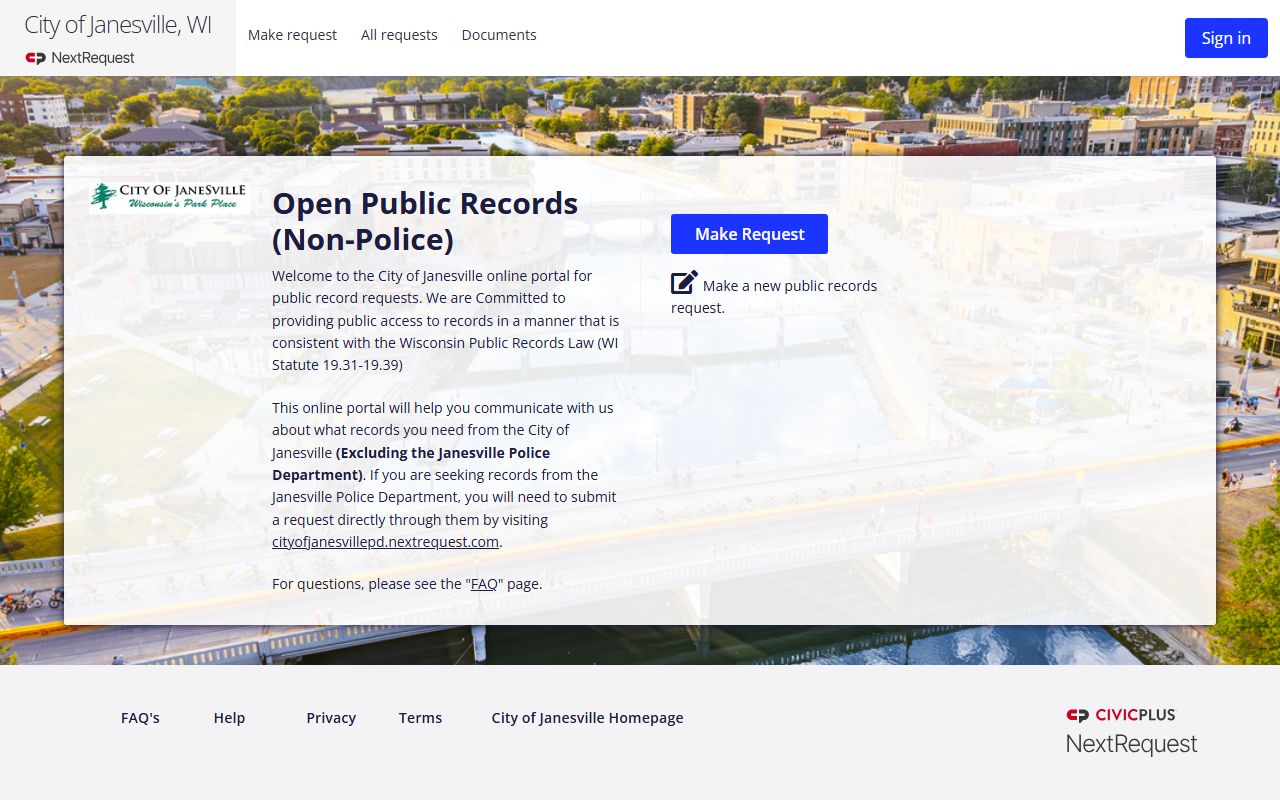
This image works well for the city side of the search because it represents the public-request route that sits outside the police and court systems.
For the Janesville Police portal image, see cityofjanesvillepd.nextrequest.com. That page is the official request path for city police records.
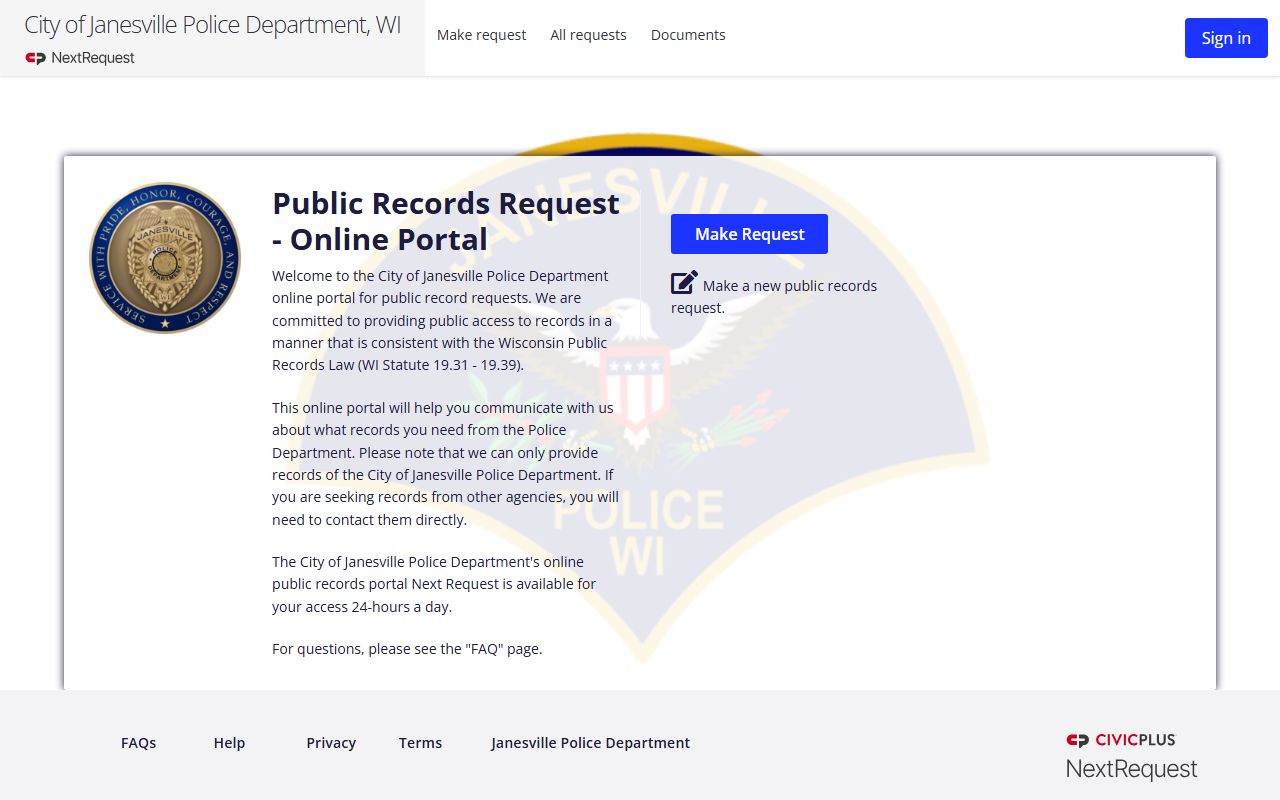
That source is the better visual fit when the background check needs a police report, a request estimate, or a follow-up about video timing.
Janesville Requests And Timing
The police portal's note about prepayment for estimated costs is one of the most important details in the Janesville record path. It tells you that the office may need to estimate copy or processing costs before it finishes the request. The note about extended timelines for video requests is just as important because video is not handled like a simple paper report. If your background check needs footage, build in extra time and do not expect the request to behave like a routine records call.
The city public-records portal is the best place to begin when the record is not a police document. That portal and the police portal are related, but they are not interchangeable. Using the wrong one can delay the request because city staff will have to reroute it. If the request involves a city meeting file, an administrative note, or another non-police item, use the city portal first and keep the request focused on the specific record rather than on the general topic.
The sheriff office should be used when the county handled the record or when the file belongs to Rock County rather than the city. That is especially true if the event crossed agency lines or if the police office tells you the county has the better file. A background check becomes much cleaner when you use the office that created the document. Janesville gives you a clear way to do that because the city, police, sheriff, and clerk contacts are all public and distinct.
The clerk of courts is the last step when the search needs the official judicial record. If the case is public, the clerk can help you get from the docket to the file itself. If the case is not public, the office can tell you where the boundary lies. In practical terms, that means Janesville background checks are best handled in stages: city portal, police portal, sheriff office, clerk of courts. That sequence keeps the request precise and saves time.
Janesville County And State Links
The Rock County sheriff and clerk pages are enough for most local searches, but statewide context still helps when you are deciding where a case belongs. Wisconsin court access through wcca.wicourts.gov lets you check the public case side before you contact the clerk. That is useful when you only have a name or a rough filing year because it tells you whether the courthouse record is already public. Once you know that, you can move to the correct Rock County office without guessing.
Janesville makes better sense when you think of it as a set of record lanes instead of a single records office. The city portal is for city records. The police portal is for police records. The sheriff office is for county law-enforcement records. The clerk of courts is for the judicial file. If you hold that structure in your head while you search, the rest of the background check stays organized and the response is easier to interpret.