
Stevens Point Background Check Records
A Stevens Point Background Check usually starts with the Police and Fire Commission records request page because that is the city's main records entry point. If you need a report, a copy, or a request for a specific file, the city gives you an online records request site and a physical office at 933 Michigan Avenue. That makes the search easier to manage because you can begin with the record you need instead of trying to guess which department owns it. Stevens Point also keeps a separate path for accident reports and a municipal court page, so the city record trail is split in a useful way.
Stevens Point Background Check Records
The records request page at https://stevenspoint.com/230/Records-Requests is the main local source for a Stevens Point Background Check. The office is at 933 Michigan Avenue and the hours are 7:30 a.m. to 4:00 p.m. The city also uses an online records request site, which makes the request process more direct when you already know what file you need. That is useful because a city Background Check often starts with a question about one report and ends with a request for the exact document.
Lead-in and image source: the records request page at https://stevenspoint.com/230/Records-Requests is the official Stevens Point source for this Background Check image.
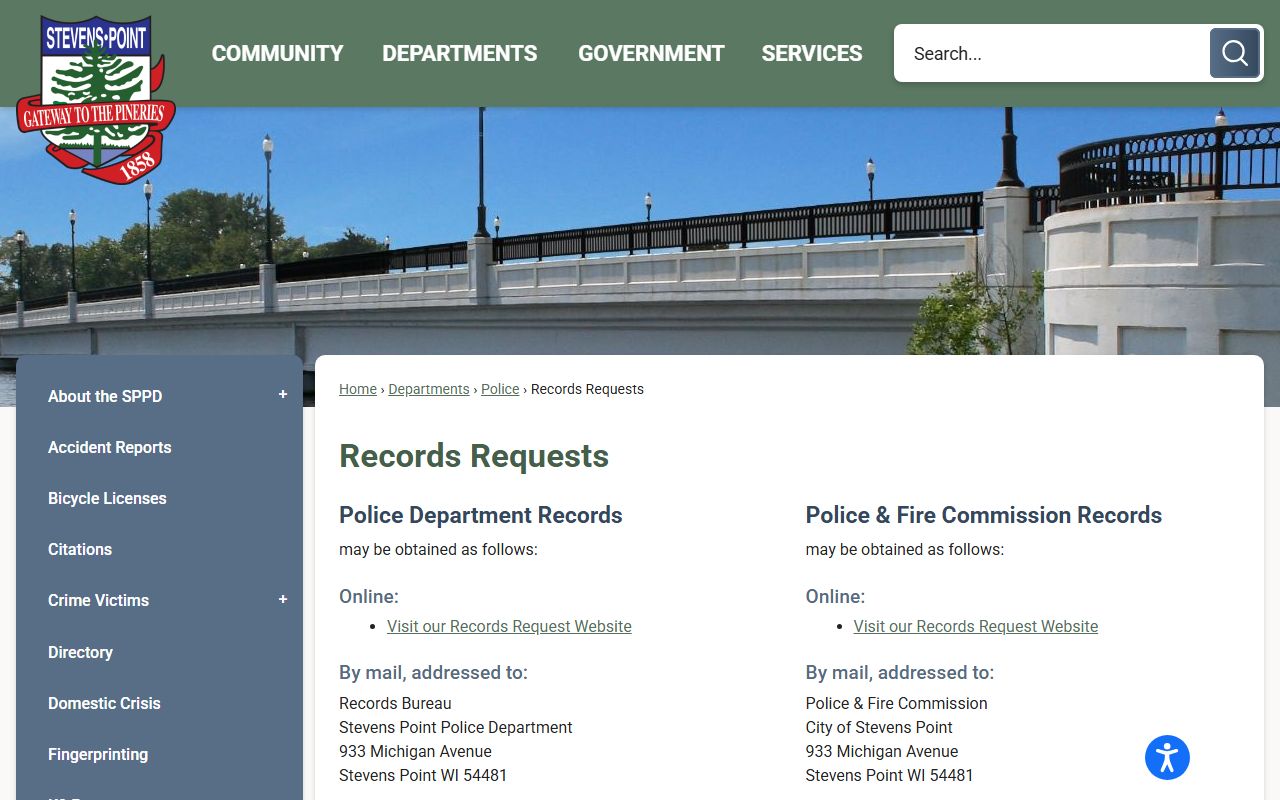
That image fits the records request page because the city wants requests routed through a clear records process instead of a broad question.
The fee details on the page are also practical. Stevens Point lists a charge of 0.01 per page, a $2 disc fee, and shipping that varies by request. Those small details matter in a Background Check because they tell you the city is set up for specific document delivery rather than a vague one-size-fits-all release. If you know the record type and the number of pages, you can plan the request more accurately before you submit it.
Stevens Point Background Check Requests
Accident reports have their own page at https://stevenspoint.com/1217/Accident-Reports, and that page is especially helpful because it tells you the city keeps reports from July 1, 2018, to the present through CrashDocs. The page also says reports are usually available in 5 to 7 days. That gives a Stevens Point Background Check a clear time frame when the record you want is a crash file rather than a general city report. It is a separate path from the records request page, and that separation helps keep the request accurate.
Lead-in and image source: the accident reports page at https://stevenspoint.com/1217/Accident-Reports is the official Stevens Point source for this Background Check image.
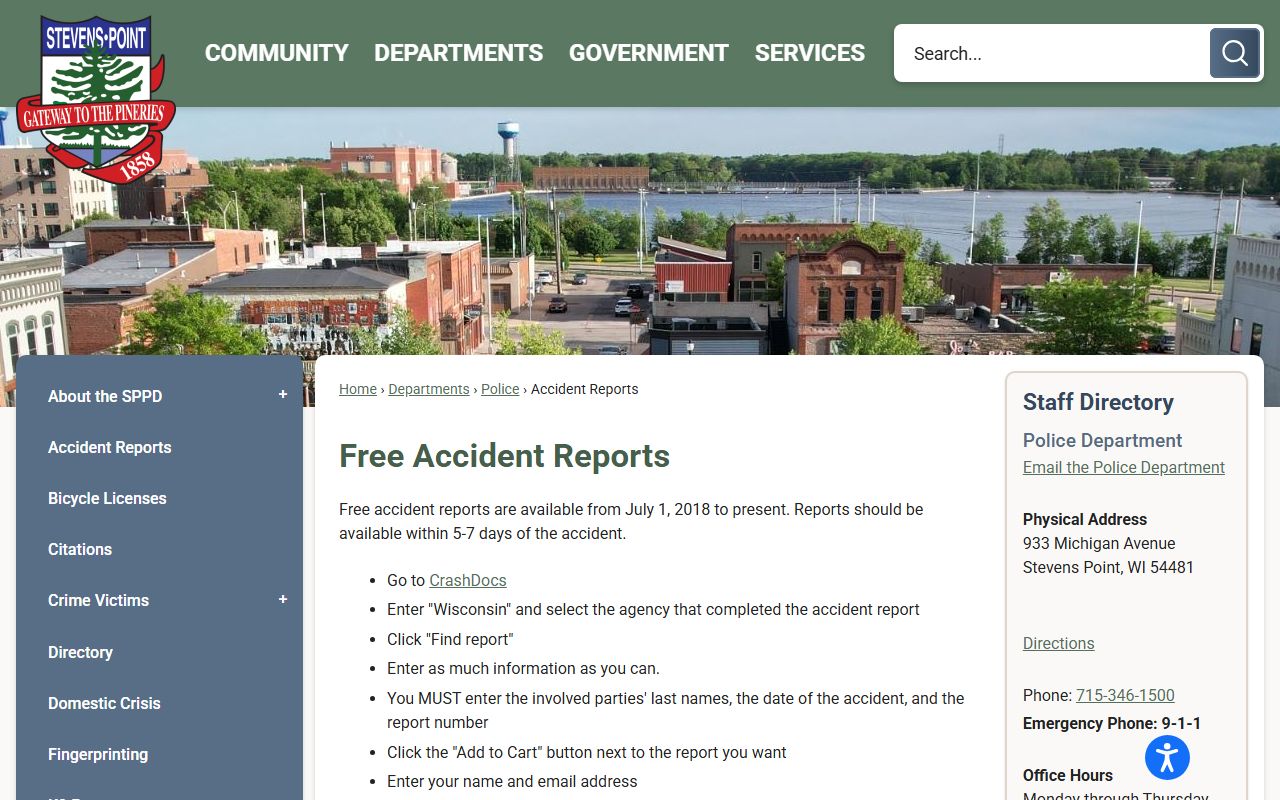
That image belongs with the accident report page because crash records use a separate city path and a different timing rule.
CrashDocs gives the city a dedicated report system, which matters if your Background Check needs an accident record instead of a standard police file. It is also a good reminder that some records are available only through a specific channel. If you are checking a collision, the accident report page is more useful than the general records page. If you are checking something else, the records request site is still the better match. In Stevens Point, the search gets easier once you identify the record family first.
Stevens Point Background Check Court Records
The municipal court page at https://stevenspoint.com/1103/Municipal-Court is the other major city checkpoint. The court is at 1515 Strongs Avenue and the phone number is (715) 342-4054. The page also says records are not available online, which is an important detail for a Stevens Point Background Check because it means the court office itself is the place to ask about the file. If a citation or city case is part of the search, the municipal court page is the right local source.
Lead-in and image source: the municipal court page at https://stevenspoint.com/1103/Municipal-Court is the official Stevens Point source for this Background Check image.
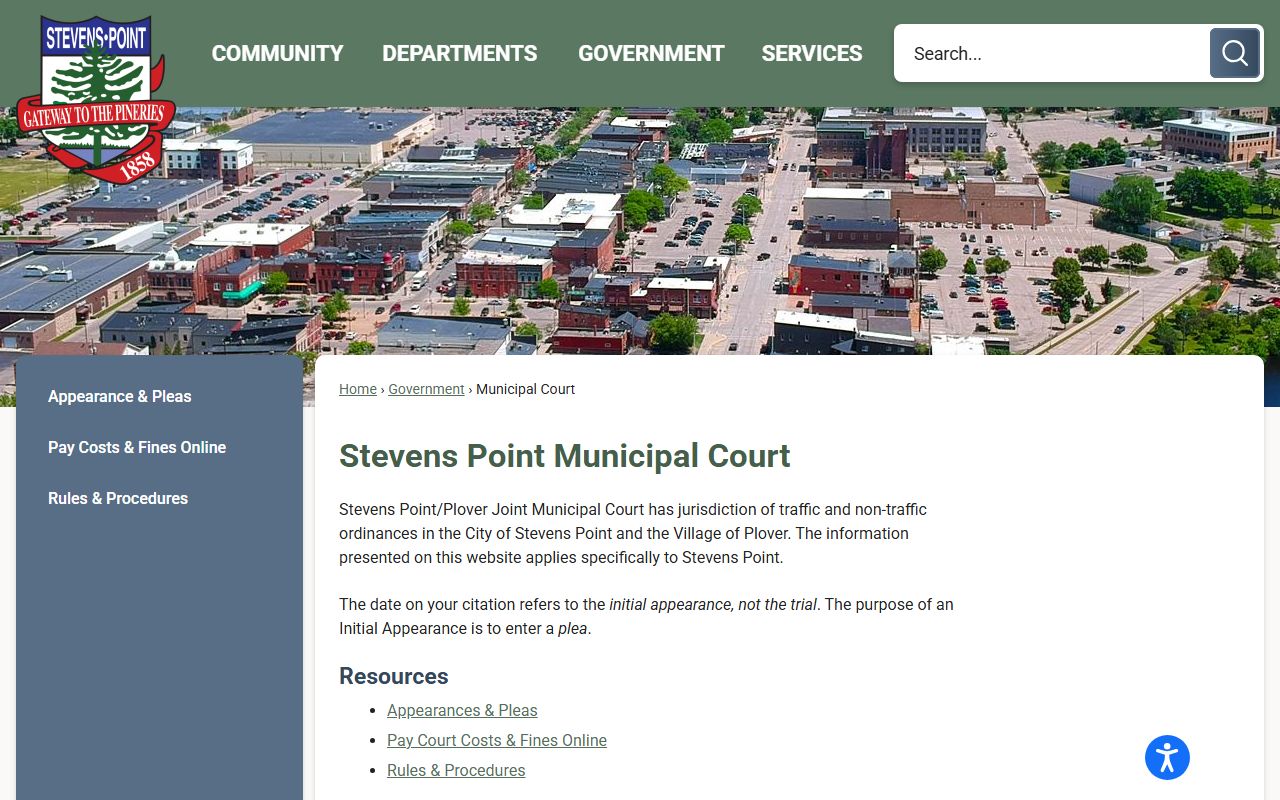
That court image fits the search path because the city says the court records are not online and must be handled through the court office.
That line about no online records changes the search. It means a Stevens Point Background Check cannot stop at a web lookup if the record is a municipal court matter. You can still use the city pages to identify the right office, but the court itself remains the source for the record conversation. That is useful for people who need the actual city case rather than just the event that led to it. The court page keeps the search grounded in the office that actually manages the file.
Stevens Point Background Check and City Records
Stevens Point works well because the record paths are clearly split. The records request page handles city files and general requests. The accident reports page handles crash records through CrashDocs. The municipal court handles city case records that are not posted online. If you put those pieces in the right order, a Background Check becomes a clean search instead of a broad hunt.
That separation is the real strength of the Stevens Point system. It tells you where to go based on the record type, and it keeps the city search from turning into guesswork. Once you know whether the issue is a report, a crash, or a court case, the right city page is already waiting for you. That makes a Stevens Point Background Check fast to start and easier to finish.
The city hours and record timing give the search some structure too. If you are requesting a file in person, the 7:30 a.m. to 4:00 p.m. office window gives you a predictable place to start. If you are waiting on a crash report, the 5 to 7 day window tells you the city is processing a real file rather than leaving the request open-ended. Those small details make the city pages more usable and the Background Check more realistic.