
Find Racine County Background Check Records
Racine County Background Check searches usually begin with the Clerk of Circuit Court, then move to the public case search and the sheriff when you need more context. The clerk is the county's elected constitutional office for circuit court records, so it is the best place to start when you want the actual file rather than a rumor or a secondhand summary. A good search starts with the right name and case type, then narrows through the office that keeps the record. That approach works well in Racine because the county has both a courthouse record trail and a public law-enforcement side.
Racine County Background Check Search
The Racine County Clerk of Circuit Court is located at 730 Wisconsin Avenue, Room 200, Racine, WI 53403, and the phone number is (262) 636-3333. The office hours are Monday through Friday from 8:00 to 4:30. That is the office that keeps the circuit court record, so it is the main county contact when a Background Check needs the official case file. The research also notes that the clerk page describes the office as the keeper of records for circuit court cases, which gives the role a clear public purpose.
Racine County records searches can include transcripts, progress dockets, party information, subpoenas, motions, complaints, affidavits, pleadings, and judgments. That matters because a Background Check is often more useful when you know exactly what part of the file you need. A docket entry answers a different question than a judgment, and a motion tells a different story than a transcript. The clerk page also says public access terminals are available for non-confidential records, which helps when you want to review a case in person without waiting on a separate copy request.
Older Racine County records may still be on microfilm or in hard copy, so a search is not always just a digital lookup. That is another reason to begin with the clerk. If you only use the online view, you may miss the older paper trail or the exact filing language that appears in the courthouse file. A Background Check search is stronger when it follows the county record all the way back to the office that keeps it.
Because the public online case search is also part of the process, WCCA at wcca.wicourts.gov is the easiest statewide starting point for Racine County public records. It is free and fast, and it helps you see whether the case is already public before you contact the clerk. The same county page makes clear that juvenile, adoption, and paternity records are private, so the online search will not answer every question. That boundary is important when you need to know what the public can see and what still belongs to the court file.
Racine County Background Check Records
Because the local image set is flagged, the first image below uses Wisconsin Circuit Court Access as the statewide fallback source at wcca.wicourts.gov. WCCA is the public case-search layer that pairs well with the Racine County clerk's office when you want to check a name before you call or visit.
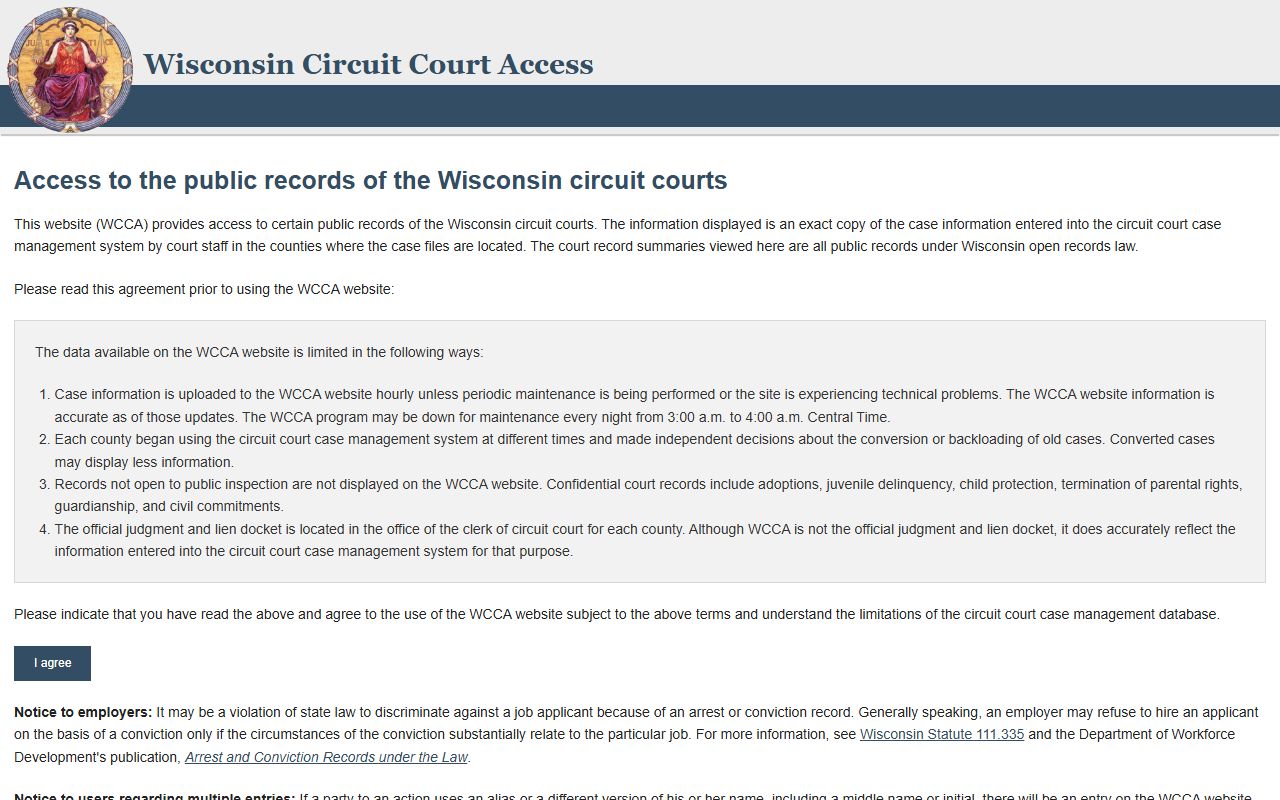
That statewide view is useful because it gives you a quick public read on the case while the clerk retains the underlying county record.
The Racine County Sheriff’s Office adds the law-enforcement side of a Background Check. The office is at 717 Wisconsin Avenue, Racine, WI 53403, and the phone number is (262) 636-3822. The Jail Division can be reached at (262) 636-3929. The county page says inmate search is available online and that VINE is available as well, so you can follow custody status or jail-related information without guessing which office to ask first.
That split between courthouse records and sheriff records matters in real searches. The clerk tells you what was filed in circuit court. The sheriff tells you what happened on the public safety side, including custody and jail status when that information is available. A Racine County Background Check is clearer when those two paths are kept separate instead of blended into one vague request.
For the second image record, the statewide DOJ background-check information page at doj.state.wi.us/dles/cib/background-check-criminal-history-information is the official reference that explains how Wisconsin treats adult criminal history information. It is not a county file, but it helps frame the difference between a public court search and a broader state history check.
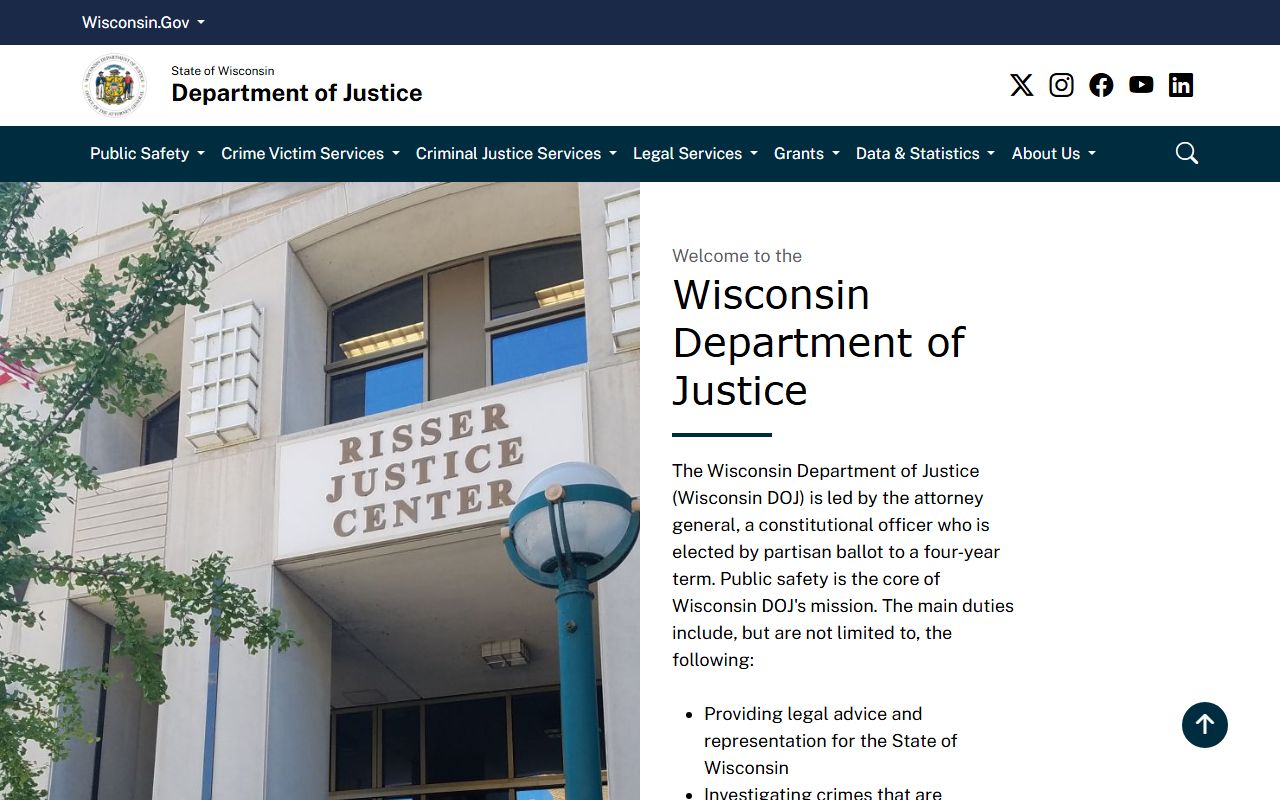
That statewide reference is useful when you need to move from a Racine County court search to the broader criminal history process handled by the state.
Racine County Background Check Offices
The Clerk of Circuit Court remains the main Racine County office for case records, but the office is also the place to ask how an older file is stored or whether a record is on microfilm, hard copy, or in the public access terminal system. That practical detail matters more than a generic county address list because it tells you how the records are actually held. If you are searching by name, the clerk can help you confirm whether the file is in the public portion of the record and whether a visit or a direct request is the better next step.
Racine County court records cover the ordinary range of circuit court business, and the office page says non-confidential records can be reviewed on public access terminals. That means the clerk is not only a filing office. It is the county's public access point for civil and criminal case information, docket entries, and related filings. The office also serves as the place that keeps the official circuit court trail in order, which makes it the county anchor for a Background Check search.
The sheriff's office matters when the record search shifts toward arrests, jail status, or custody-related follow-up. The county page notes both inmate search and VINE, which are useful if you need to confirm whether a person is being held or how to follow release information. That is not the same as a court file, but it often answers the immediate question behind a Background Check. Using the sheriff and clerk together produces a more complete local picture than relying on one source alone.
Racine County also gives you a clean contact path if you need a live office conversation. The clerk phone number is public, the office hours are fixed, and the courthouse address is clear. Those details are helpful when an older record, a terminal review, or a private file boundary makes the search more complicated than a quick online lookup. The county's official office structure is straightforward, which is an advantage when the search has to be done carefully and without guesswork.
Racine County Background Check Help
State tools help put a Racine County Background Check in context. The Wisconsin State Law Library public records page at wilawlibrary.gov/topics/records/index.php is a useful official guide when you need forms, laws, or plain-language explanations of access rules. The DOJ open government page at doj.state.wi.us/open-government is another good reference because it explains Wisconsin's public-record framework. Those pages do not replace the county file, but they do help you understand how the county record fits into the broader system.
If your search needs a statewide criminal history view instead of a single county case, the official state portal at recordcheck.doj.wi.gov is the right route. That is different from WCCA, which is the public court case search. In practice, WCCA helps you find the county case, while the DOJ portal is the state path for a criminal history request. Keeping those tools separate keeps the search accurate and avoids sending a request to the wrong office.
Racine County's own records page gives you enough detail to avoid a blind search. You know where the clerk sits, what records are public, which files are private, and where the sheriff keeps the custody and inmate information. That makes the county easier to work with because the office boundaries are clear. For a Background Check, that clarity is often the difference between a quick answer and an unnecessary round of calls.
When the record is older, partially private, or split across court and law-enforcement offices, the safest sequence is to begin with WCCA, confirm the file with the clerk, and then use the sheriff or the state portal only if the question still needs more depth. That keeps the work grounded in official sources and avoids over-reading a summary page that does not show the whole record.