
Search Sauk County Background Check Records
A Sauk County Background Check usually starts with the clerk of courts, the county CCAP search, and the public records tools that show whether a record is already available online. If you are trying to confirm a case, locate a docket number, or decide where to request a copy, the county has several official entry points that work together. The clerk handles the court file, the public records portal handles broader request tracking, and the sheriff keeps law enforcement records. Beginning with the right source saves time and keeps the search tied to the office that actually maintains the record.
Sauk County Background Check Search
The Sauk County Clerk of Courts at co.sauk.wi.us/clerkofcourts is the central courthouse contact for a Background Check that needs the official file. The office is open Monday through Friday from 8:00 to 4:30, and the county lists the phone number as (608) 355-3287 and the fax number as (608) 355-3290. Sauk County says the clerk maintains all filed court documents and proceedings and collects and disburses monies, so the office is more than a filing desk. It is the county source that controls the court record itself.
The clerk page also notes that CCAP is available online. That matters because a Sauk County Background Check often begins with the public case summary before it turns into a copy request or a follow-up call. If you already know the case name or case number, the county CCAP page at co.sauk.wi.us/clerkofcourts/ccap-circuit-court-system-access makes it easier to confirm that the case exists and see the public docket trail. If you only have a person name, the public summary is still the fastest way to narrow the search.
The clerk page and the CCAP page are not the same thing as the sheriff or public records portal. That distinction matters because a Background Check may require a court file, a law enforcement record, or a prior public-record response, and each source serves a different purpose. If the issue is a case docket, the clerk is the main office. If the issue is a report or an earlier request, the other county tools become more important. Staying with the official county sites keeps that difference clear from the start.
Sauk County Records and Copies
Sauk County's Public Records Portal at saukcountywi.nextrequest.com is the best fit when the question is broader than a court docket. The portal lets you submit public records requests, view previous requests and responsive documents, and track a request online. That is useful for a Background Check because it shows not only how to file a request, but also whether the county has already released something that may answer the question. If the record you need is already documented in the portal, you can avoid making a duplicate request.
The sheriff's office at co.sauk.wi.us/sheriffs-office is the other key source because it handles law enforcement records, incident reports, and arrest records. Those records are not the same as court documents, but they often sit beside the court file and help explain what happened on the law-enforcement side of a Background Check. If you are trying to match a citation, an arrest, or an incident report to a court case, the sheriff record can give you the connection you need before you ask the clerk for copies.
In practice, Sauk County works best when you separate the record types before you decide where to look. The clerk handles filed court documents and the public court summary. The public records portal handles request tracking and released documents. The sheriff handles incident and arrest records. Once you know which one you need, the search becomes much more direct. That structure is especially useful when a Background Check includes several public record sources rather than only one file.
Sauk County Background Check Images
For the clerk image record, see the Sauk County Clerk of Courts page at co.sauk.wi.us/clerkofcourts. This is the county's main courthouse source for a Background Check that needs the official court file.
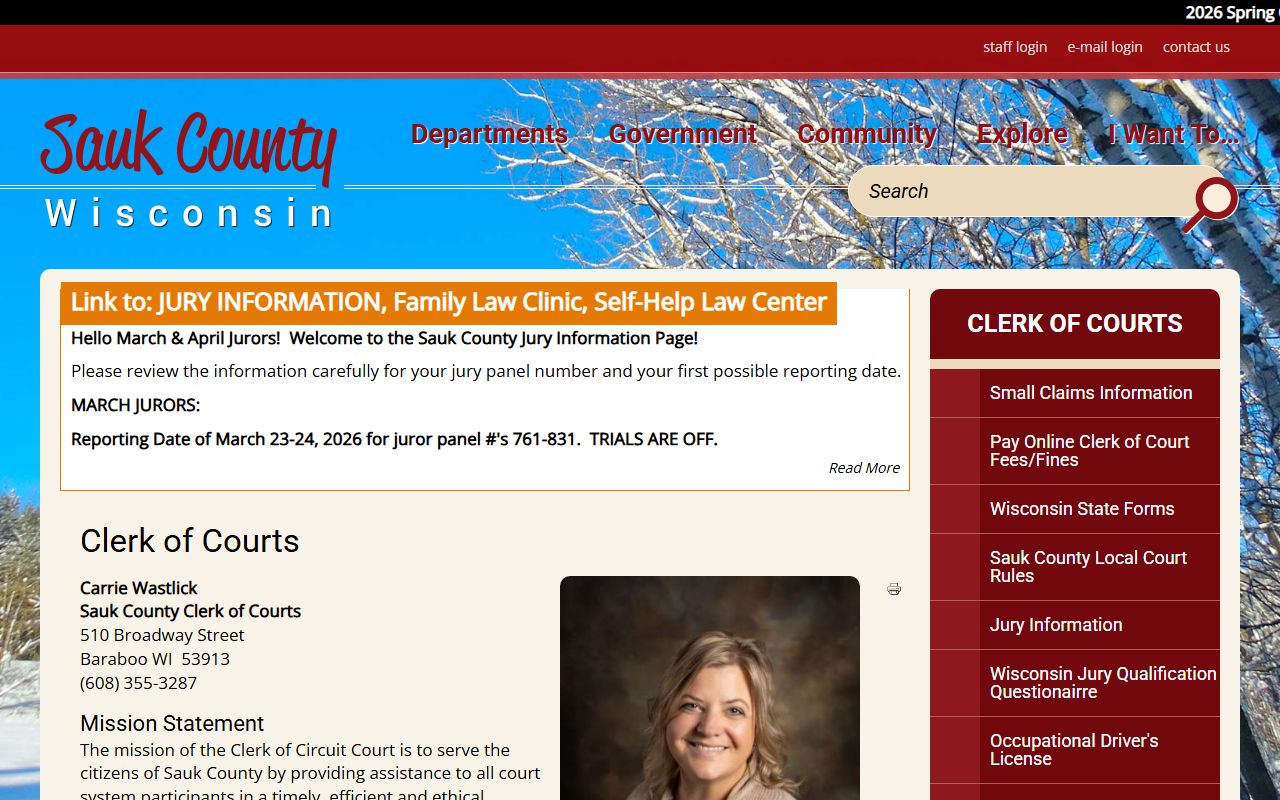
The clerk image belongs here because the office controls the court record, the filing history, and the follow-up path for copies and payments.
For the public records image record, see the Sauk County Public Records Portal at saukcountywi.nextrequest.com. That portal is the county's public request system and gives the Background Check process a tracking component.
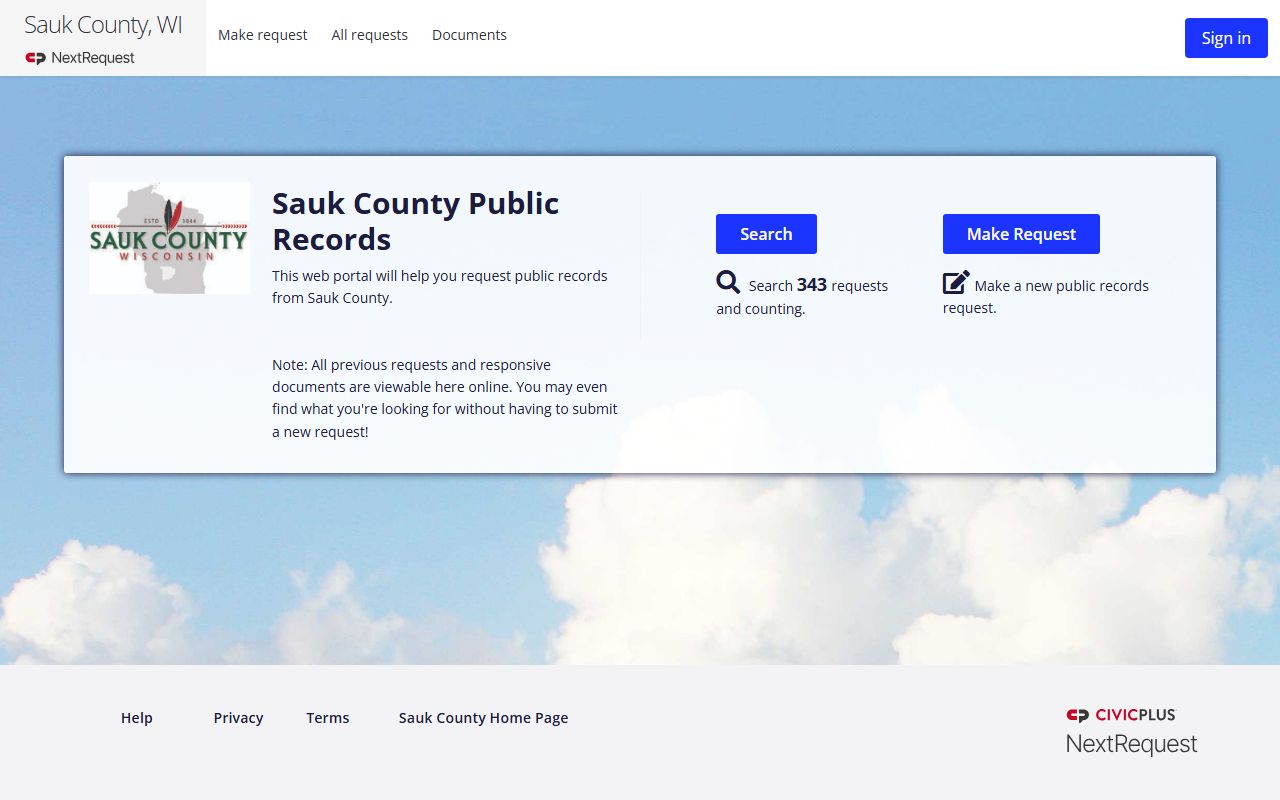
This image is useful when the search depends on a prior request, a released document, or a county response that already exists online.
For the CCAP image record, see the Sauk County CCAP access page at co.sauk.wi.us/clerkofcourts/ccap-circuit-court-system-access. The page is the county's online case-search entry point.
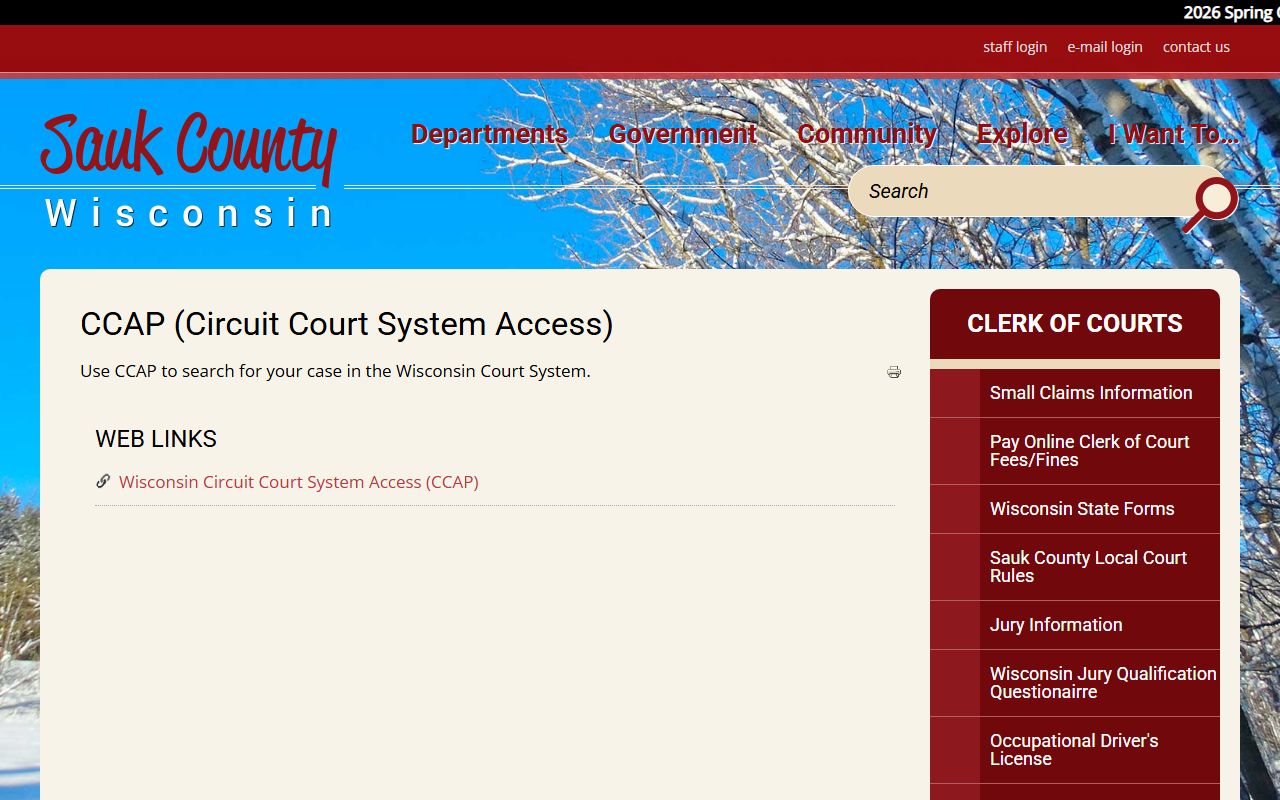
That image reinforces the difference between the public case summary and the official courthouse file, which is important in any Background Check.
Sauk County Records Links
The county record trail works best when you match the source to the question. Use CCAP or WCCA when you want a public case search by name or case number. Use the clerk of courts when you need the filed court documents or a copy request. Use the public records portal when the record may already exist in a county response or when you want to track a request. Use the sheriff when the search involves incident or arrest records. That separation keeps a Sauk County Background Check accurate and avoids sending the request to the wrong office.
For broader state context, the Wisconsin Department of Justice portal at recordcheck.doj.wi.gov and the DOJ background check page at doj.state.wi.us/dles/cib/background-check-criminal-history-information explain the statewide criminal history route. The DOJ open government page at doj.state.wi.us/open-government and the Wisconsin State Law Library records guide at wilawlibrary.gov/topics/records/index.php are also useful when you want to understand how county records fit into the larger public-record system. Those sources do not replace the county file, but they help you choose the right path.
For Sauk County specifically, the office order is straightforward. Start with CCAP or the clerk when the question is a court case. Use the public records portal when the question is a county response or a request history. Use the sheriff when the question is law enforcement records. That approach keeps a Background Check grounded in official records and makes it easier to confirm whether you need a docket summary, a copy, or a separate public-record request.